Kinder Piano: A First Piano for Little Hands
Nursery rhymes and classics with real sheet music and finger numbers, played on the screen or on a real MIDI keyboard. No ads, no subscription.

What is Kinder Piano?
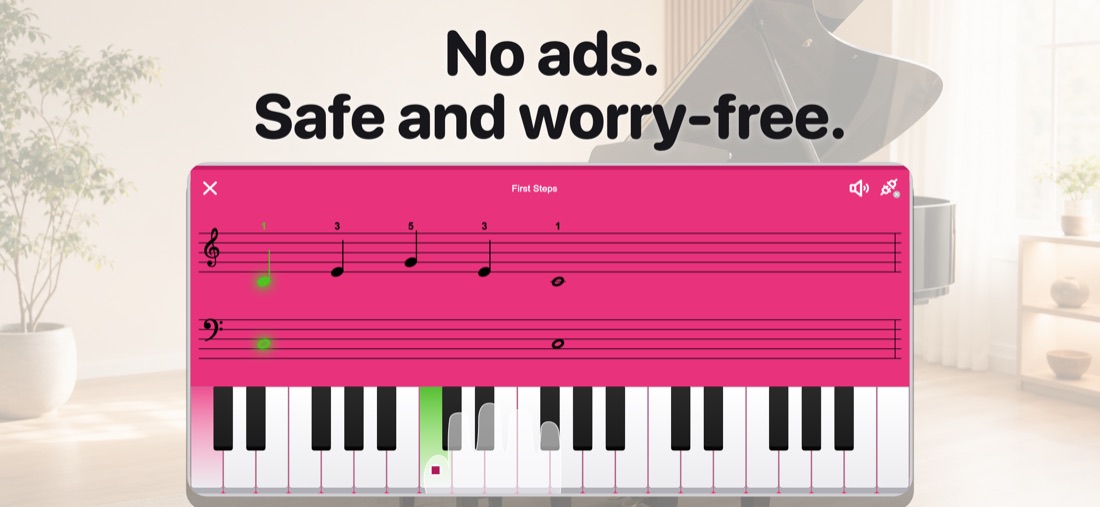
Kinder Piano started as an app the developer built for his own four year old daughter. She wanted to play the songs she already knew, and every app either turned the piano into a cartoon or handed her a score she could not read yet. So the score stayed real, with both clefs and finger numbers, and everything else got simpler.
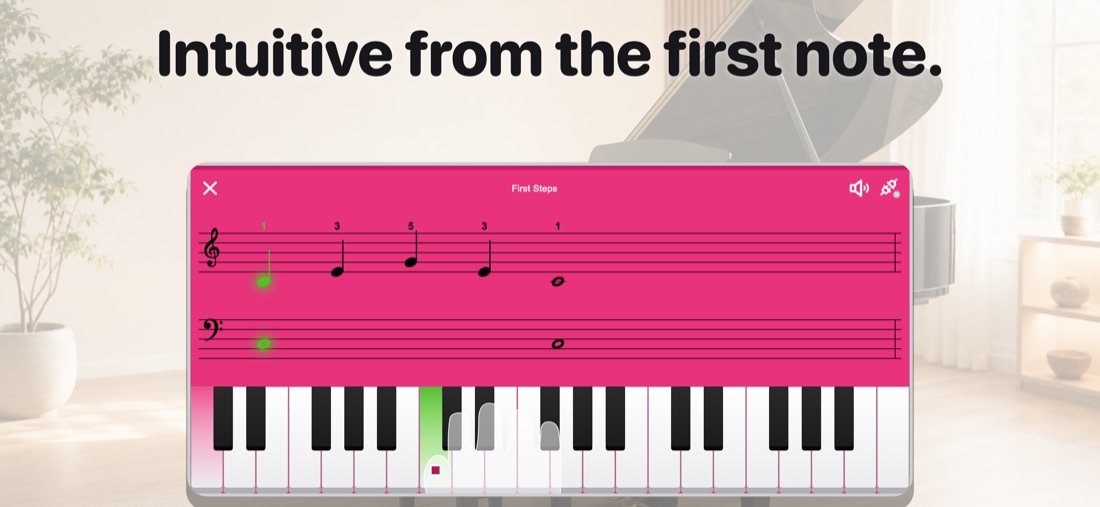
A child picks a song, watches the note light up, and presses the key. In Slow mode the app waits for each note, so nothing runs away from small hands. In Rhythm mode the score scrolls and they play along. Melody, accompaniment, or both hands: the part is theirs to choose.
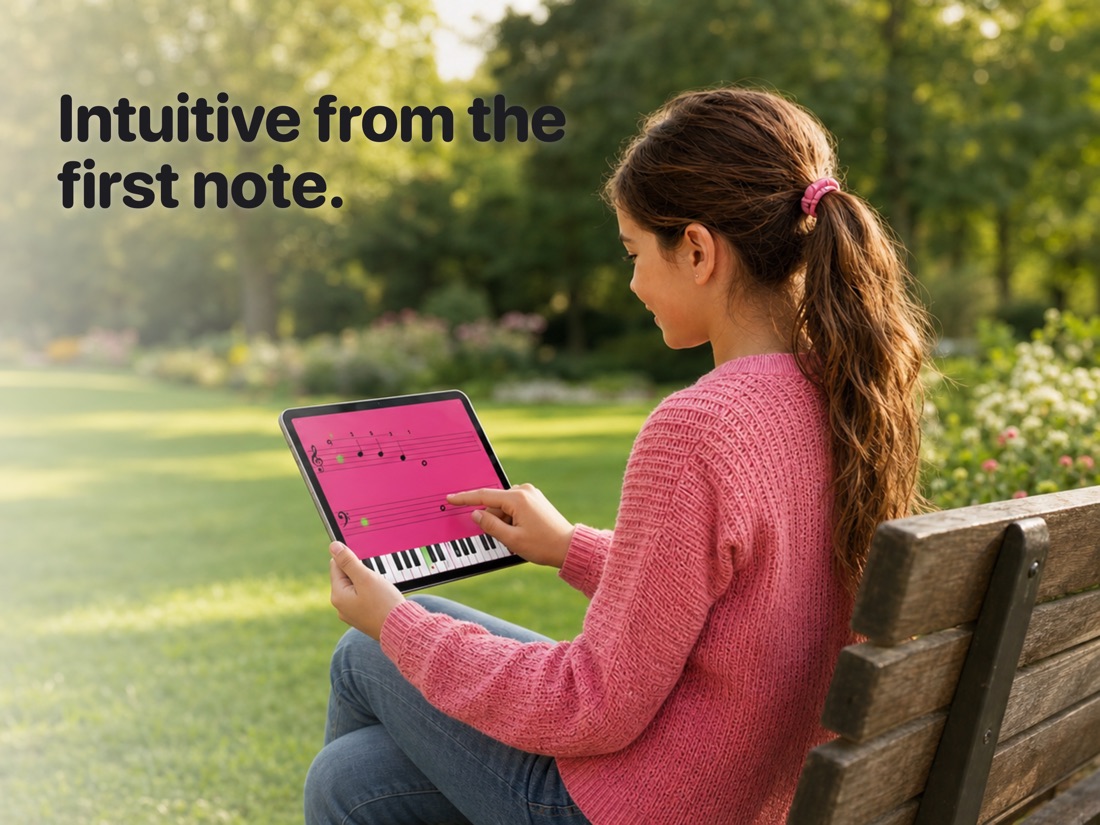
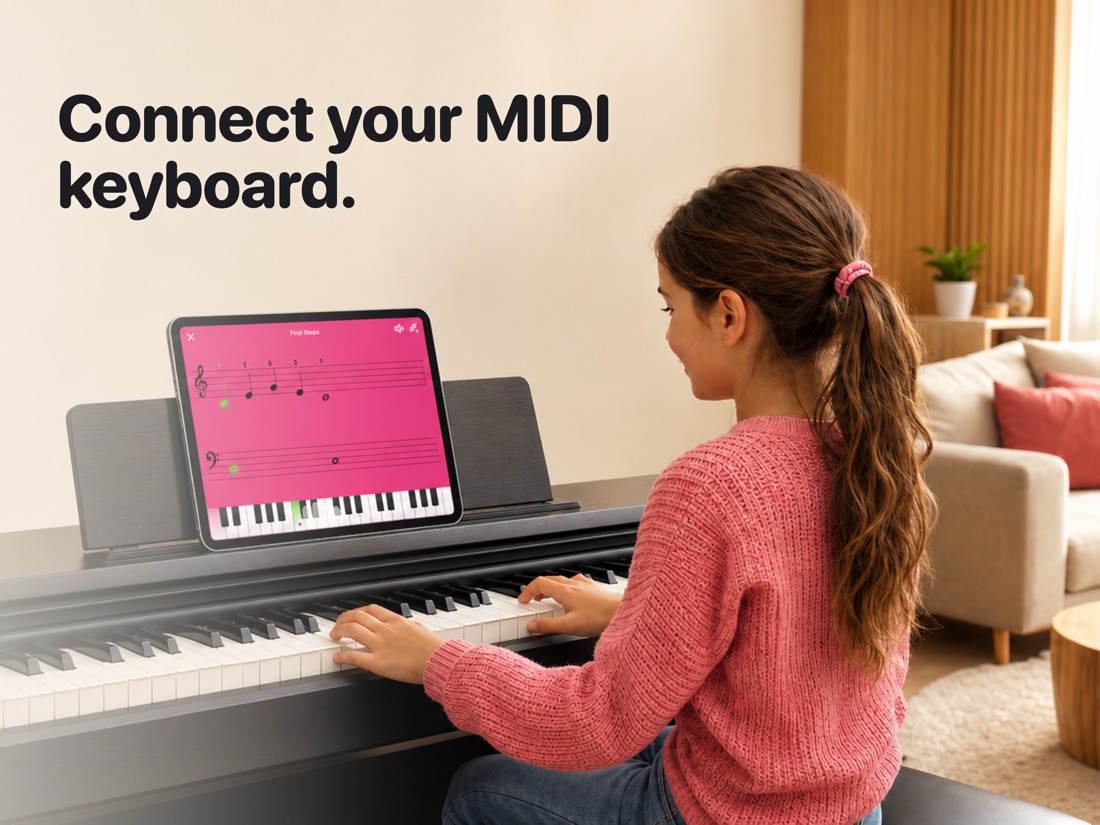
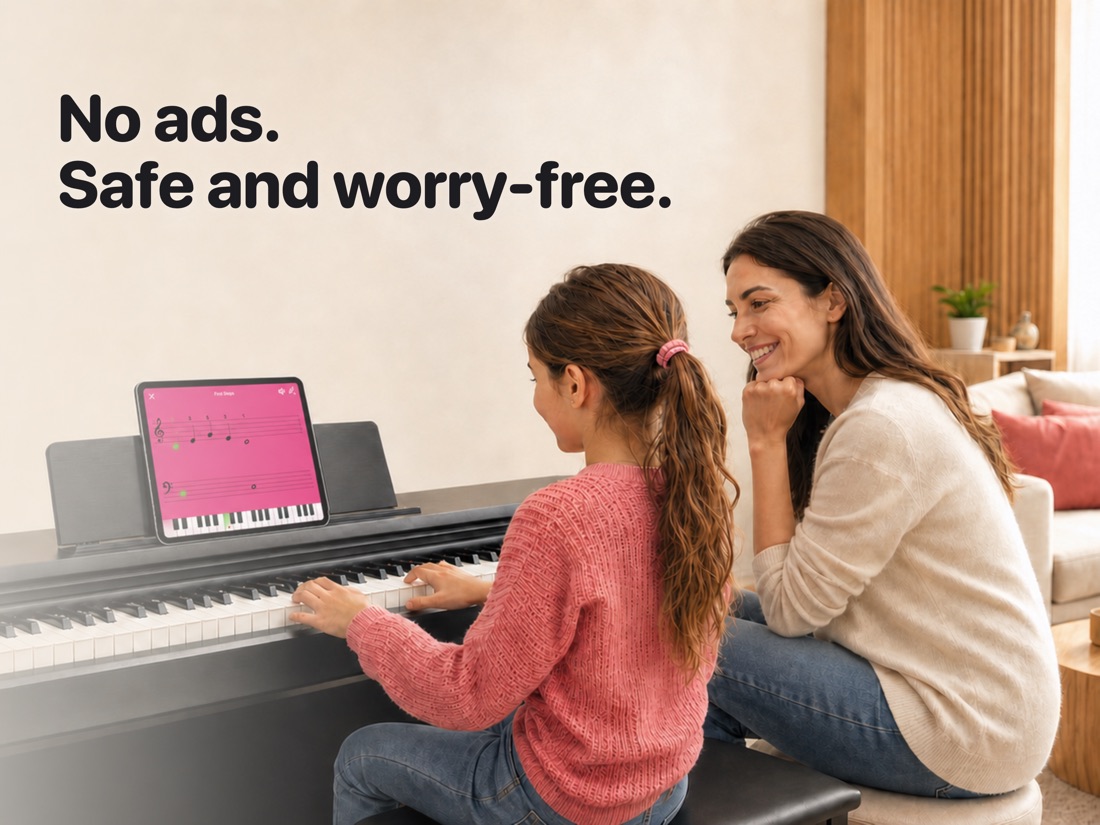
The on screen keyboard is all anyone needs to start. When a child is ready for real keys, a Bluetooth or USB MIDI keyboard connects and the same songs move over to it. No ads, no subscription, and no account, ever.
Screenshots
iPhone
iPad
What's Inside
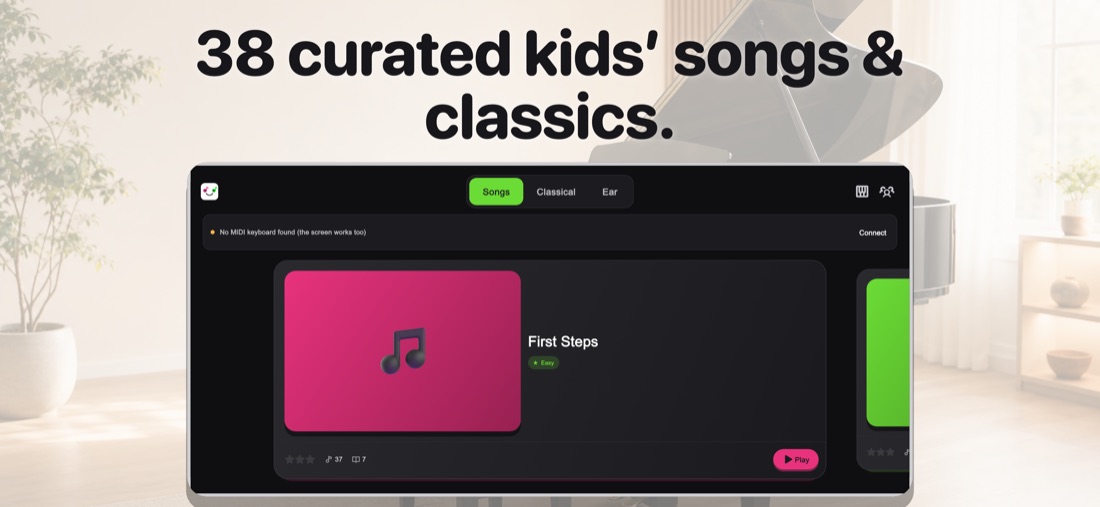
38 Songs, from Nursery Rhymes to Classics
Familiar tunes first, then pieces a child grows into, sorted by difficulty so the next one is always within reach.
- Kids' songs: Twinkle Twinkle Little Star, Jingle Bells, When the Saints Go Marching In, London Bridge, Happy Birthday, Frère Jacques, and Japanese favorites like Musunde Hiraite.
- Classics: Ode to Joy, Für Elise, Minuet in G, Brahms' Lullaby, Pachelbel's Canon, Morning Mood, the Blue Danube, and Gymnopédie No. 1.
- Three levels: easy, medium, and hard, so a first song takes minutes and a hard one is worth the practice.
New songs added in later updates are included at no extra cost.
A Score a Beginner Can Actually Read
Real notation, not colored blobs. The app teaches the score itself, so what a child learns here carries over to a real lesson.
- Treble and bass clefs, with the next note highlighted as it comes
- Finger numbers printed above the notes, so nobody has to guess which finger
- Slow mode: the song waits for each note, one at a time
- Rhythm mode: the score scrolls and your child plays along in time
- Melody, accompaniment, or both hands, chosen per song
Ear Training That Plays Like a Game
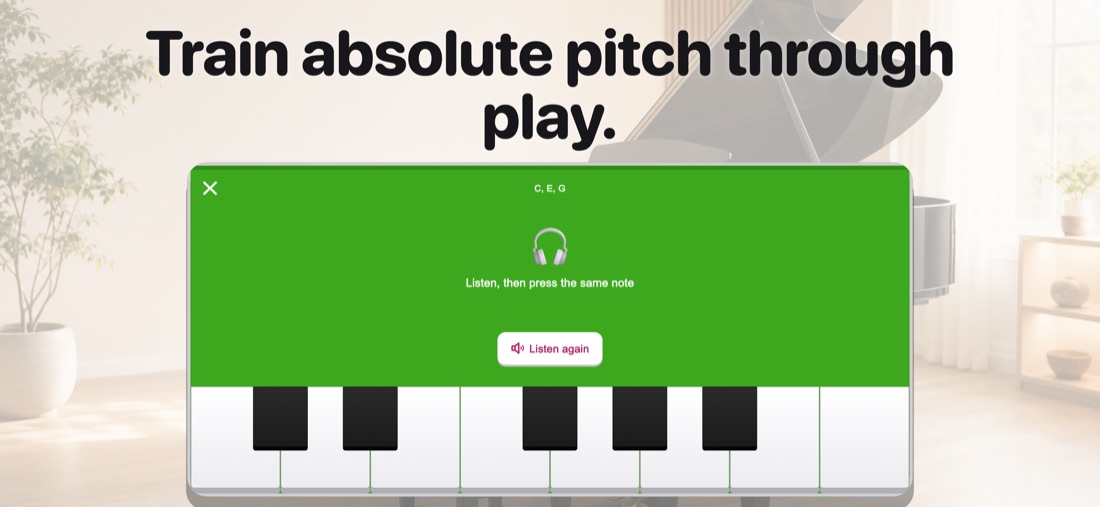
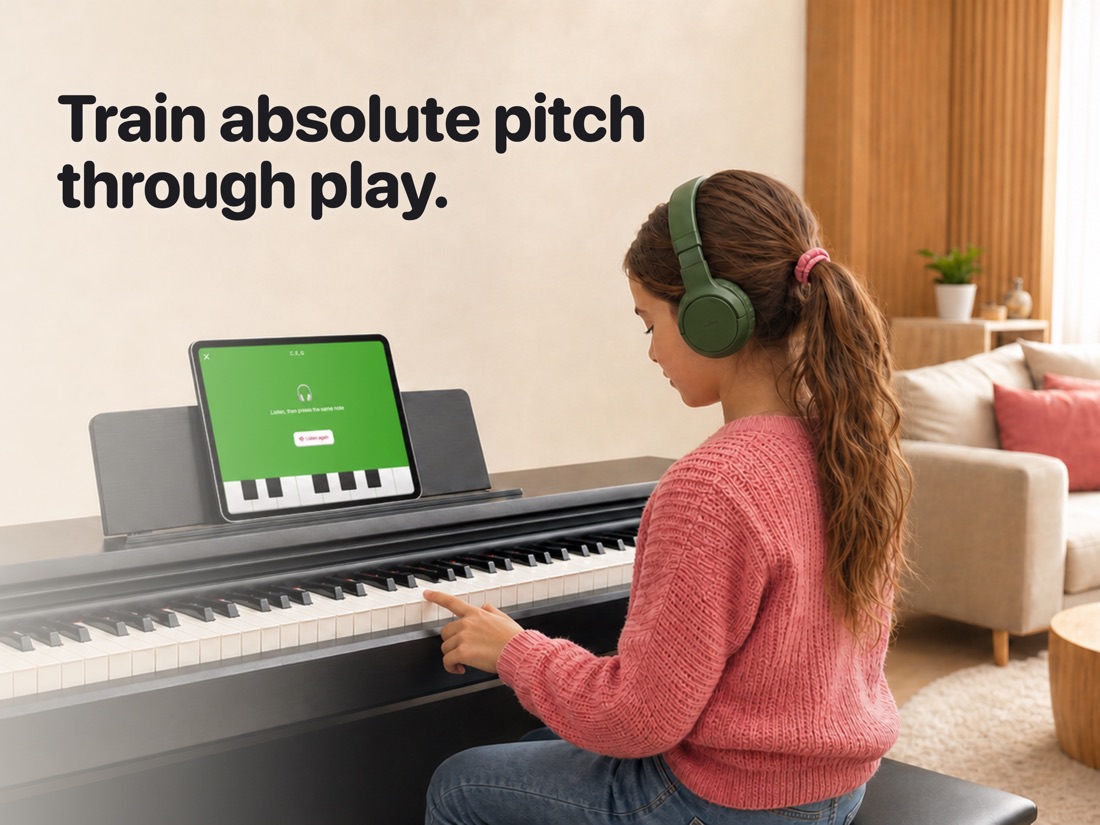
Nine levels that start with three notes and end with three note chords. Every round plays the right answer back, so the ear learns by hearing, not by being told.
- Which note? C, E, G first, then C to G, then a full octave
- Echo: hear two notes, then three, and play them back
- Compare: intervals measured against C, up to an octave
- Chords: two notes together, then three
Free Play and Recording
A full grand piano sound with nothing to complete and no score to follow. Tap record, let your child play, and listen back together afterward.
On Screen, or on Real Keys
A MIDI keyboard is optional. Every feature works with the on screen piano alone, and when your child is ready, real keys are one connection away.
- Bluetooth and USB MIDI keyboards both supported
- The same songs, scores, and ear training, played on real keys
- Practice at the piano with an iPad on the music stand
Calm for Parents Too
The things that usually make a kids' app hard to hand over are simply not here.
- No ads, ever, and no subscription
- One purchase unlocks every song and every ear-training level, including songs added later
- A parental gate protects settings and purchases
- No account and no sign up
Free and Full Version
Free
- ✓The first two kids' songs and the first two classics
- ✓The first two ear-training levels
- ✓Free play with the full grand piano sound
- ✓Recording and playback
- ✓MIDI keyboard support
One Purchase
- ✓All 38 songs, kids' songs and classics alike
- ✓All nine ear-training levels
- ✓Songs added in future updates
- ✓Buy once, no subscription
Please check the in-app purchase screen for current pricing.
Start with One Note
Best for ages 3 to 8, whether your child is getting ready for lessons or practicing between them. Download Kinder Piano and let them play a song they already love.
Download on the App Store